When to use the Classic Blue template
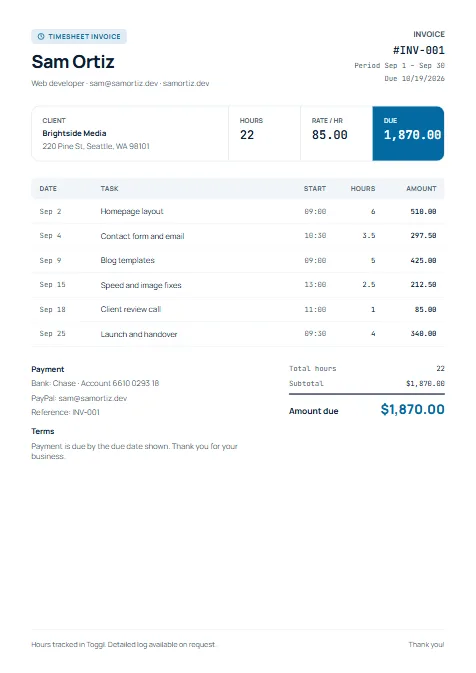
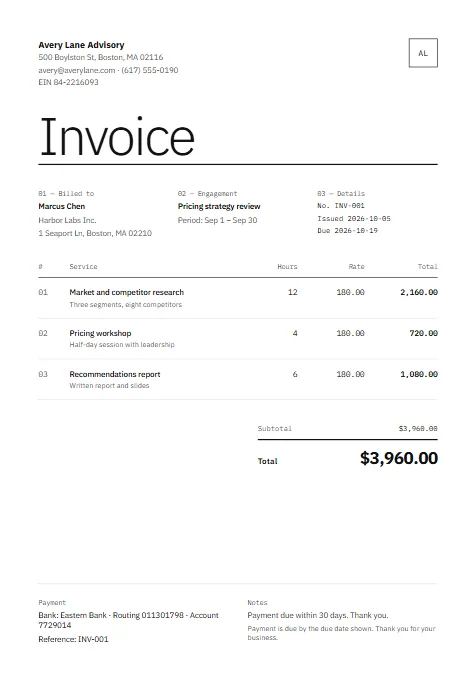
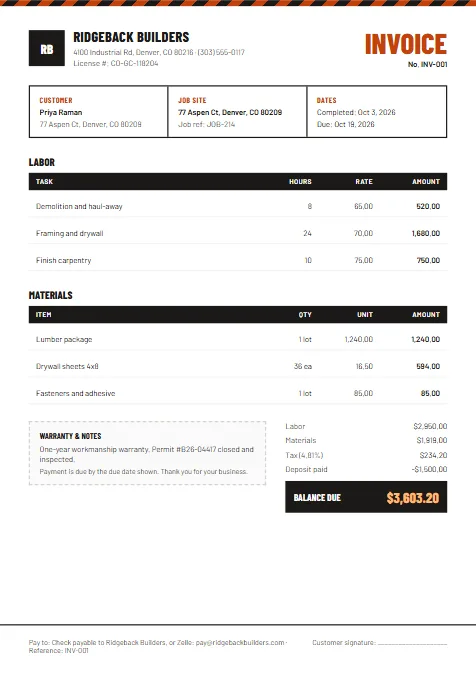
Classic Blue is the all-rounder. The colour band at the top makes your business name easy to spot in a client's inbox, and the project box tells them straight away what the invoice is for. It suits freelancers, small agencies and any service business that bills by the job.
Choose it when one invoice covers one piece of work, such as a website build, a set of articles or a marketing campaign, and you want it to look professional without looking corporate.
What to put on it
- Project name
- Use the name the client uses, so their accounts team can match it to a purchase order or budget line.
- Project description
- One or two lines on what was delivered, for example "Homepage and 4 inner pages, copy edits included".
- Line items
- Break the work into a few clear parts with a quantity and unit, such as hours, pages or days.
- Deposit
- If the client paid part up front, show it so the balance due is obvious.
- Payment details
- Bank details or a payment link and the due date, so nobody has to email you to ask how to pay.
Tips
- Keep line items to the level the client cares about. Five clear lines read better than twenty tiny ones.
- Match the accent colour to your logo; the builder offers four, or you can use any colour.
- Send it as a PDF with a file name the client can search for, such as "Invoice 1042 – Acme website".
Questions about this template
Is the Classic Blue invoice template free?+
Yes. Fill it in online and download it as PDF, Word or Excel with no sign-up and no watermark.
Can I use Classic Blue for a quote or estimate?+
Yes. The same design works as a quote or an estimate; choose Make a quote or Make an estimate above.
What kind of business is Classic Blue for?+
Almost any service business that bills by the project: freelancers, consultants, small agencies, writers and marketers.