Free invoice, quote and estimate maker
From quote to paid,
in minutes.
Fill in a professional invoice, quote or estimate right here in your browser and download it as PDF, Word or Excel. Send it and get paid faster.
- Free
- No sign-up
- No watermark
- PDF, Word or Excel
Need a quote instead? Make a quote · or browse the templates
Popular invoice templates
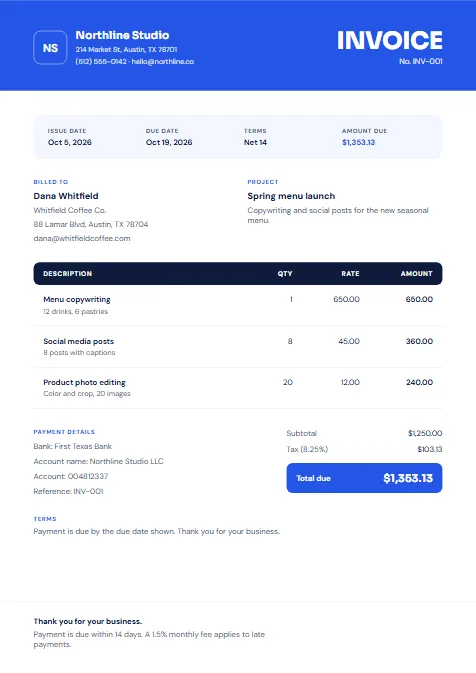
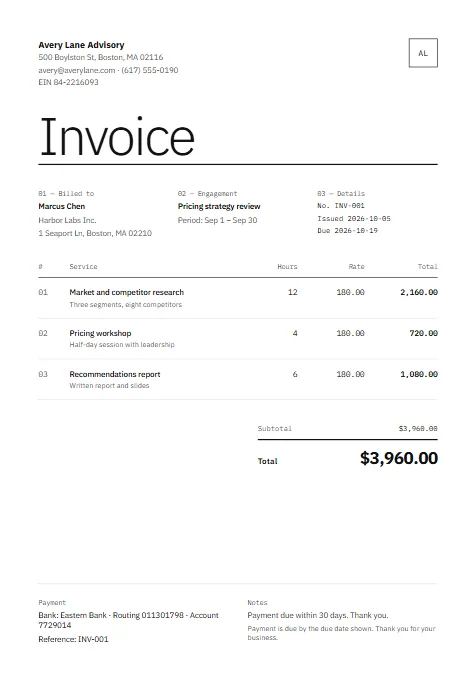
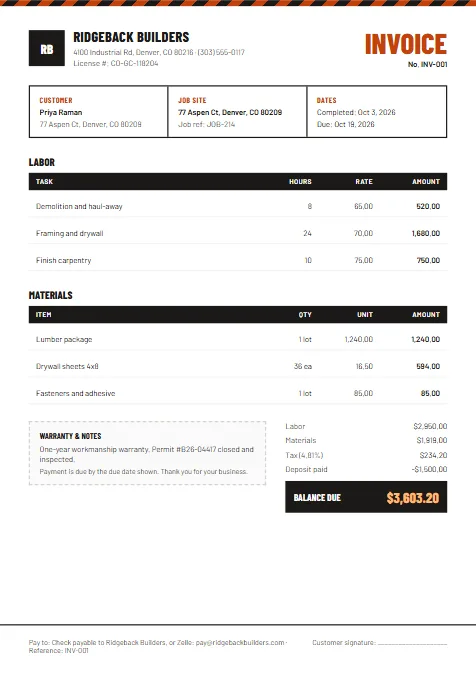
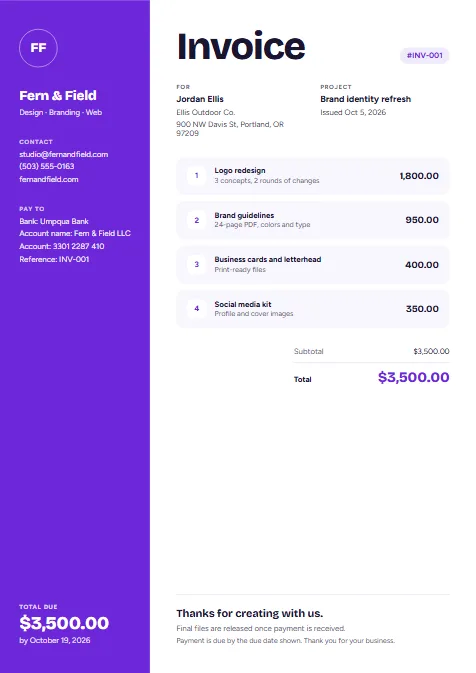
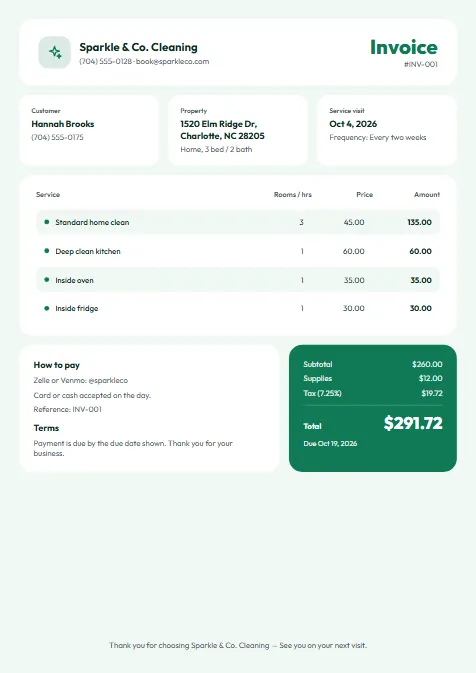
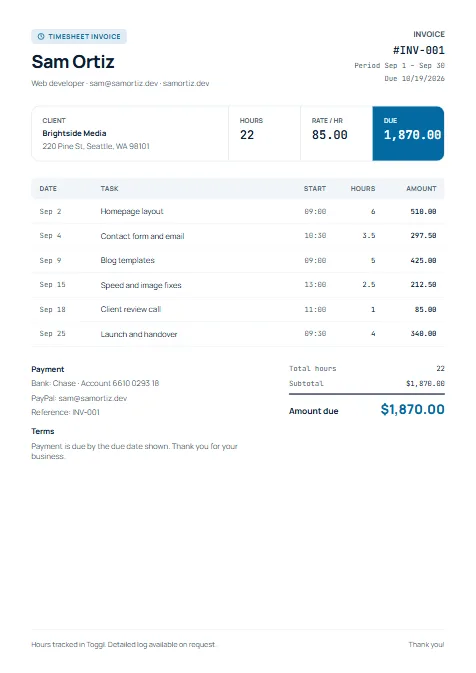
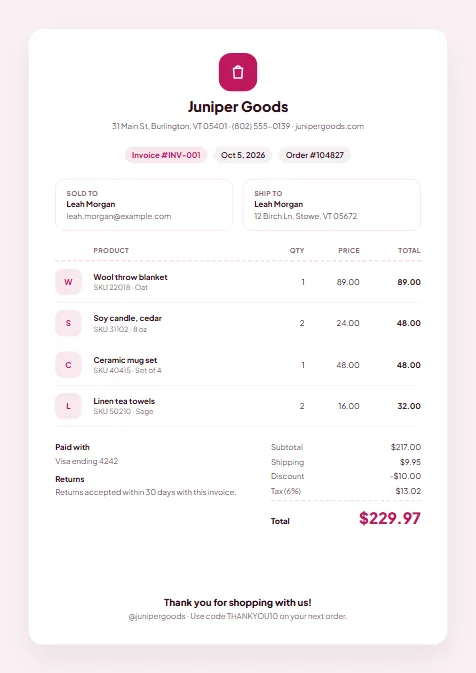
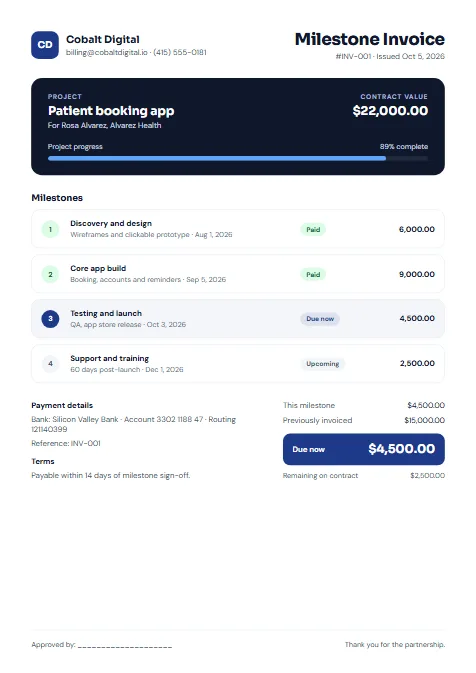
Clean, ready-to-use designs. Choose a style, add your logo and line items, and you are done. Every template also works for quotes and estimates.
Three steps from quote to paid
- 1
Pick a template
Browse by industry or style and choose the design that fits your business.
- 2
Fill in your details
Add your logo, client info, line items, taxes and payment terms. Totals calculate for you.
- 3
Download and send
Export as PDF, Word or Excel and send it to your client straight away, by email or text.
Templates for your industry
Fields and wording tailored to how your trade bills its clients.
Everything an invoice needs, nothing it doesn't
Automatic totals
Subtotals, tax, discounts and deposits add up as you type, so the numbers are always right.
Any currency
Bill in USD, GBP, EUR, CAD, AUD and more. Pounds and euros switch to UK-style dates and VAT.
Your brand, your logo
Upload your logo and pick an accent colour so every invoice looks like it came from you.
Every format
PDF for sending, Word for editing (it opens in Google Docs too), Excel for your own records.
Quotes too
Start with a quote or estimate, then turn it into an invoice in one tap once the client says yes.
No sign-up to start
Open a template and start filling it in. Your work saves in your browser. Save and sync is coming with Pro.
Frequently asked questions
Are the invoice templates free to use?
Yes. Every template is free to fill in and download as PDF, Word or Excel, as many times as you like. There is no sign-up and no watermark. QuoteToPaid Pro (coming soon) will add extras like saved clients, sync across devices and payment links.
Which file formats can I download?
Every template downloads as PDF, Word (.docx) and Excel (.xlsx). To use Google Docs, upload the Word file to Google Drive and open it with Google Docs. The Excel file keeps working formulas, so totals update if you edit it.
Can I add my own logo and colours?
Yes. Upload your logo and choose an accent colour before you download. Your logo stays in your browser and is never uploaded to us.
Do I need an account?
No. You can fill in and download a template right away. Your work is saved in this browser on this device. Save and sync across devices is coming with Pro.
Can I turn a quote into an invoice?
Yes. Create a quote or estimate first, then tap Convert to invoice once the work is approved. Everything is copied over with a new invoice number.
Send your next invoice today
Choose a template and have a professional invoice ready in a few minutes.